
8 RRL Firmware Upgrade Instructions
8 Firmware Upgrade Instructions
To update the firmware in your RRL 5 Station, go to the Solinst Website at: https://downloads.solinst.com where you can obtain a link to the RRL 5 firmware update file that is contained within a Zip Archive. Ensure you unzip the archive to access the *.ssf firmware file.
- Use a USB to USB-C cable to connect the RRL 5 Station to the PC.
- The Firmware Upgrade Utility can be accessed by going to the Tools menu in the STS/RRL Administrator Software.
- Open the Firmware Upgrade Utility and make sure the Baud Rate is set to 9600.
- Click the ‘Open’ button, which should open a file dialog asking for the firmware file (*.ssf) to upload. Navigate to where the firmware file was saved on your PC, then click on the file and click ‘Open’.
- Check the ‘File Information’ box to make sure that the opened file is the right one.
- Click the ‘Upload Firmware’ button to start the firmware upload process.
- If a communication error occurs and is indicated in the ‘Datalogger Status’ box either before or after the “Verifying Firmware” and “Loading Firmware to Datalogger” messages, then restart the upgrade process.
- If, however, a communication error occurs between the “Verifying Firmware” and the “Loading Firmware to Datalogger” messages, then please contact Solinst. You will need to give the RRL Serial Number and explain the exact positioning of the error message.
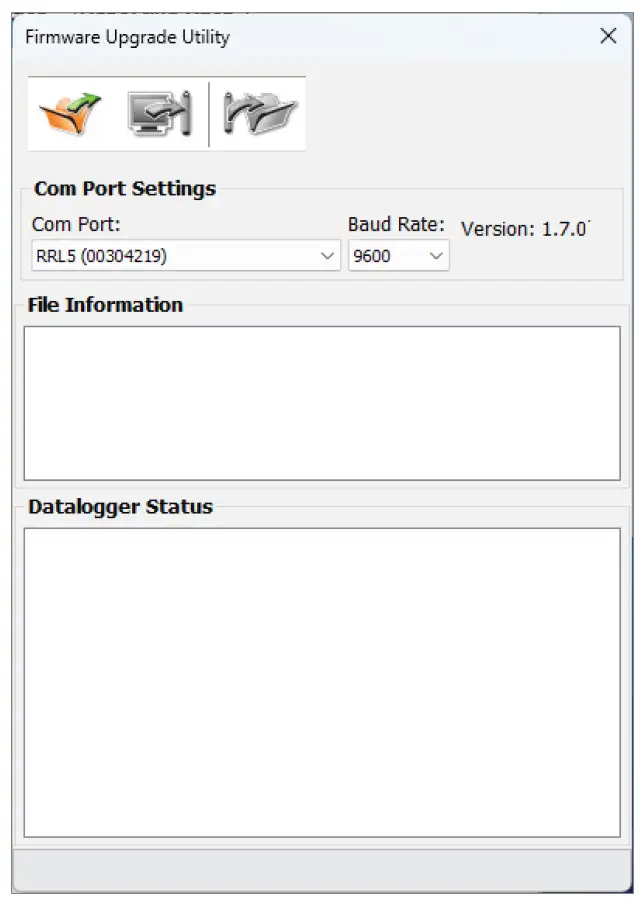
Figure 8-1 Firmware Upgrade Utility
Note:
When conducting a firmware upgrade, DO NOT interrupt the process prior to completion (This may take 30 minutes). If the notice “The firmware version in the RRL is more recent, continue the firmware updated?” appears, you must select “Continue”. Selecting “No” or otherwise interrupting the upgrade process will make the RRL 5 Station unable to communicate with Solinst Telemetry Software. To correct this, the firmware must be re-upgraded, and allowed to fully complete installation. Installation is not complete until a note appears at the base of the program window indicating “Firmware Upgrade Completed”.
Related Products
Plug and Play Telemetry
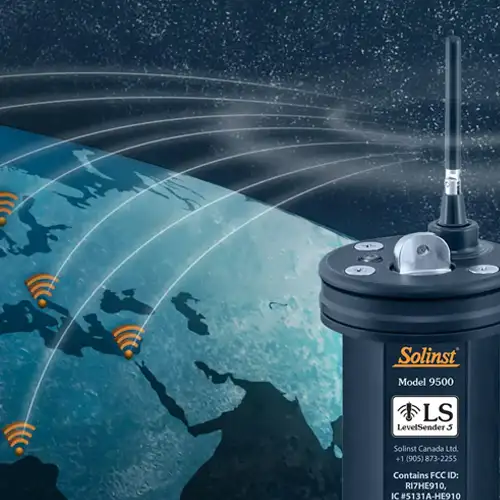
Already own Leveloggers? Quickly and easily upgrade your monitoring wells with LevelSender Telemetry. The 4G LevelSender 5 telemetry system features an optional Solinst SIM card. It is set up for you in advance—with a low-cost plan managed by Solinst! An internal barometer provides automatically compensated water level readings; set high/low level alarms.
Discover Anywhere Monitoring
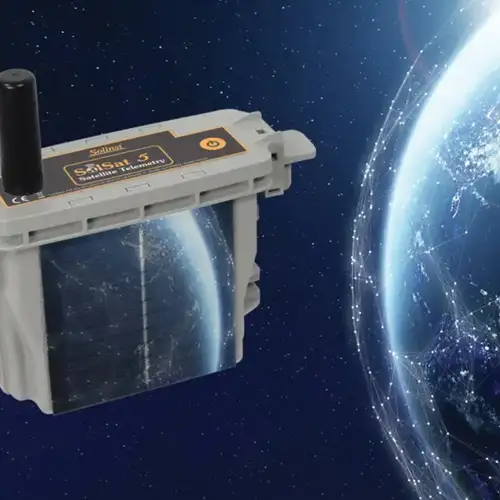
SolSat 5 is a telemetry system that leverages Iridium satellite technology to provide global connectivity for Solinst 5 Series dataloggers. It uses low cost TextAnywhere global satellite messaging to send remote data to a secure web portal. It features a robust weatherproof enclosure for installation almost anywhere. Features built-in Wi-Fi setup app, solar panel, and barometer.
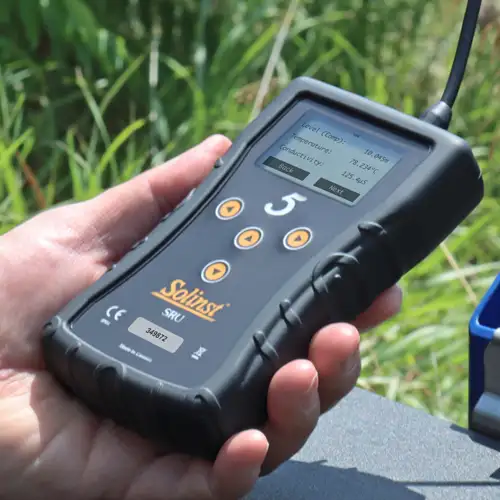
Solinst Readout Unit (SRU)
The Solinst Readout Unit (SRU) is a rugged, handheld device designed to connect to a deployed Solinst datalogger and display instant water level readings – with the option of automatic barometric compensation. Real-time logging and downloaded data can be saved and transferred to a PC. Quickly check the datalogger's status.
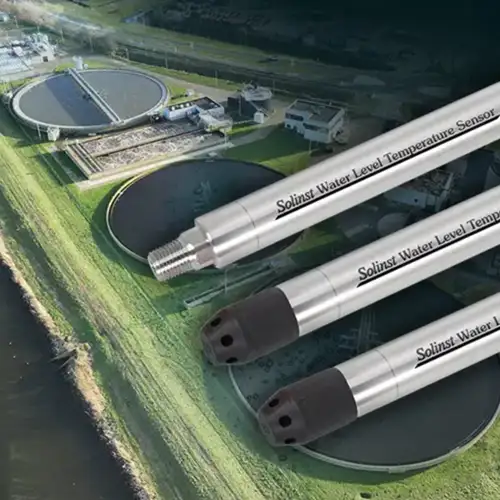
Versatile Submersible Water Level Transmitter
The 301 Water Level Temperature Sensor provides the option of highly accurate water level transmission using multiple protocols – MODBUS, SDI-12 and 4-20mA – for a wide variety of applications. This compact, all-in-one submersible hydrostatic level transmitter provides continuous, stable water level and temperature readings, with options for absolute and gauged pressure sensors.


