
5 RRL Remote Utility
5 RRL Remote Utility

Figure 5-1 RRL Remote Utility
To open the RRL Remote Utility, click on your desktop.
The RRL Remote Utility can be used to test radio communication between a Remote Station and the Home Station, check RRL 5 Station settings and status, test communication with the attached dataloggers, and stop or start the RRL 5 Station logging (when selected in Step 2 of the software wizard).
The Remote Utility also includes a self-test function. The function performs a series of self-tests on a RRL 5 Station to check for problems with the battery, memory, etc.
To use the RRL Remote Utility, connect the RRL 5 Station to a PC with a USB cable, select the COM port to which the Station is connected and click “Retrieve Info” to display the settings from the RRL 5 Station.
The Remote Utility has the following functions:
- Radio Communication Test: Click “Radio Test” to initiate the test. The test will display information about the Home Station and Remote Station radio power and show that communication is successful between the Stations.
Note:
The Radio Communication Test is a convenient tool when determining the final location of you Remote Station in the field and the proper Radio Power setting for that station.
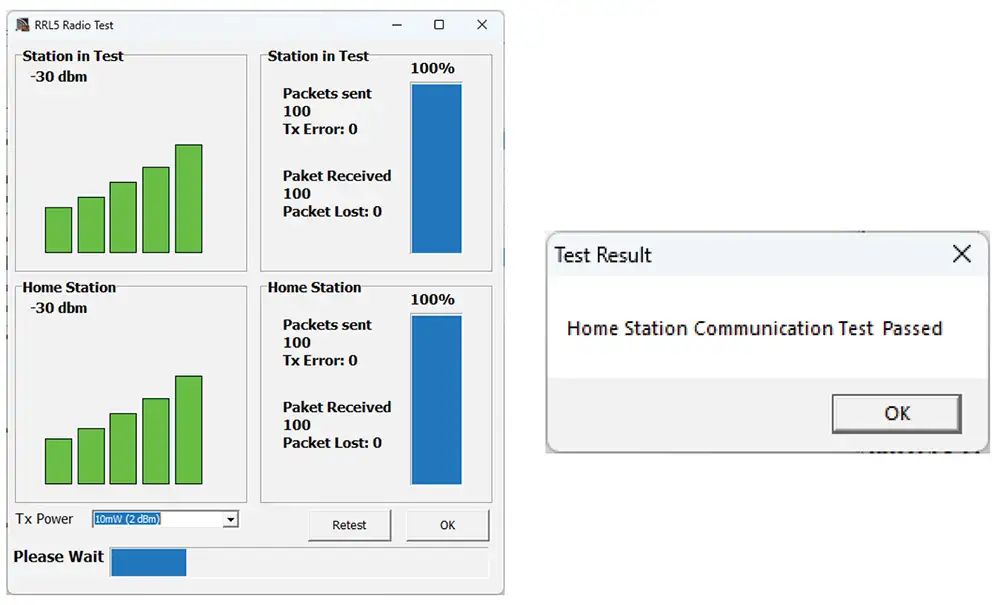
Figure 5-2 Home Station Communication Test
- Datalogger Communication Test: Click the Test button beside the datalogger image to initiate the test. If the communication is successful, the “Probe Communication Test Passed” message will be shown.
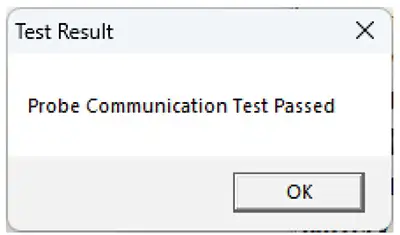
Figure 5-3 Datalogger Communication Test
- Start Logging: If the RRL 5 Station is in idle mode “Start” will be displayed in the Remote Utility main menu. To start logging, click “Start”, and “Stop” will then be displayed to indicate that the RRL 5 Station is in logging mode.
- Stop Logging: If the RRL 5 Station is in logging mode “Stop” will be displayed in the Remote Utility main menu. To stop logging, click “Stop”. A message “Data Logging and Reporting will be terminated. Do you want to continue?” will be shown. Click Yes to continue. “Start” will be displayed to indicate that the RRL 5 Station is in idle mode.
5.1 Self Test
The Remote Utility also includes a self-test function. The function performs a series of tests on a RRL 5 Station to check for problems with the battery, memory, etc. If any of these tests fail, then a report should be created and sent to Solinst Technical Support. To execute this function, select “Self Test”.
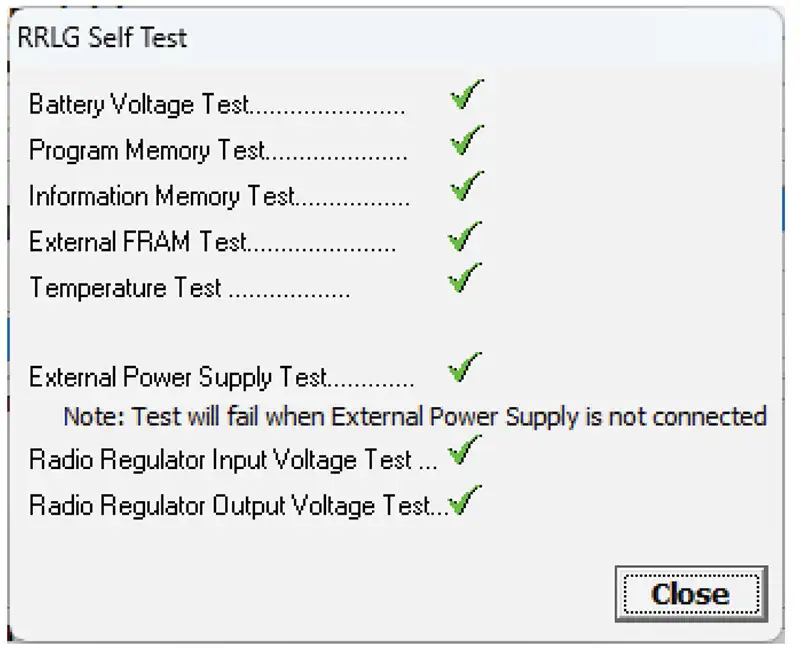
Figure 5-4 RRL Station Self Test
Related Products
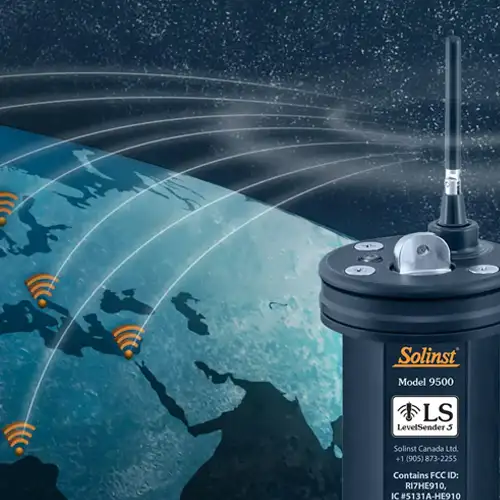
Plug and Play Telemetry
Already own Leveloggers? Quickly and easily upgrade your monitoring wells with LevelSender Telemetry. The 4G LevelSender 5 telemetry system features an optional Solinst SIM card. It is set up for you in advance—with a low-cost plan managed by Solinst! An internal barometer provides automatically compensated water level readings; set high/low level alarms.
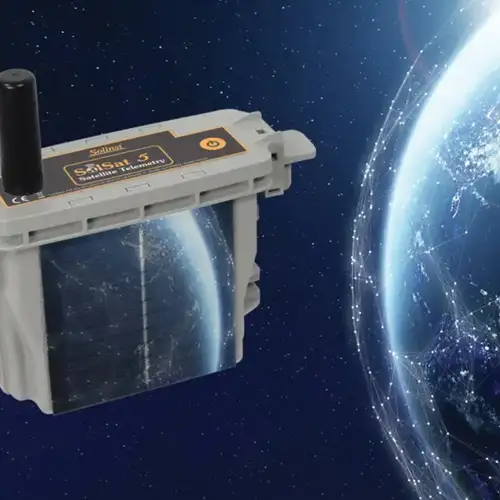
Discover Anywhere Monitoring
SolSat 5 is a telemetry system that leverages Iridium satellite technology to provide global connectivity for Solinst 5 Series dataloggers. It uses low cost TextAnywhere global satellite messaging to send remote data to a secure web portal. It features a robust weatherproof enclosure for installation almost anywhere. Features built-in Wi-Fi setup app, solar panel, and barometer.
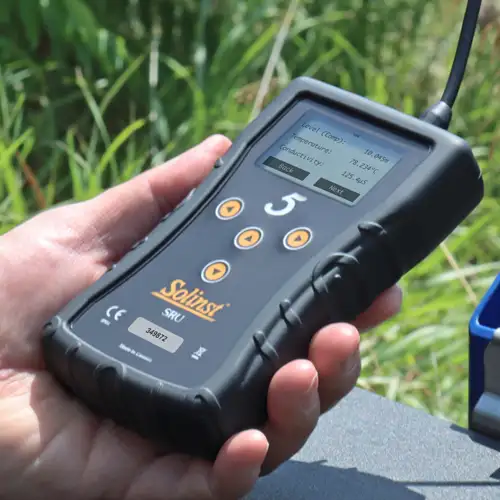
Solinst Readout Unit (SRU)
The Solinst Readout Unit (SRU) is a rugged, handheld device designed to connect to a deployed Solinst datalogger and display instant water level readings – with the option of automatic barometric compensation. Real-time logging and downloaded data can be saved and transferred to a PC. Quickly check the datalogger's status.
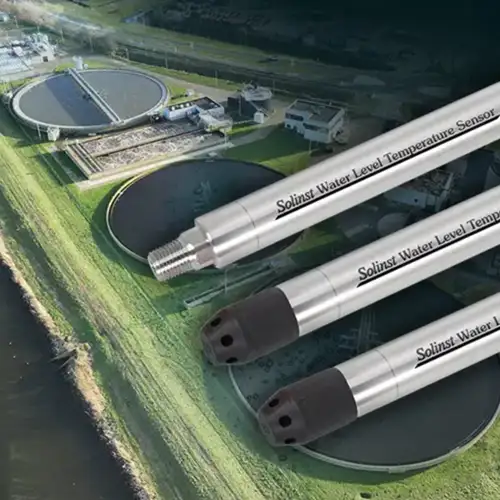
Versatile Submersible Water Level Transmitter
The 301 Water Level Temperature Sensor provides the option of highly accurate water level transmission using multiple protocols – MODBUS, SDI-12 and 4-20mA – for a wide variety of applications. This compact, all-in-one submersible hydrostatic level transmitter provides continuous, stable water level and temperature readings, with options for absolute and gauged pressure sensors.


