
3 Solinst Telemetry Software
3 Solinst Telemetry Software
Note:
You must have administrator privileges on your PC to install Solinst Telemetry Software.
The STS/RRL Communication Agent is automatically installed with the STS/RRL Administrator Software, and is used to view communication activity. It must remain open (can be minimized) in order to receive realtime reports at the Home Station.
Note:
The STS/RRL Communication Agent should always remain open when the RRL 5 System is in operation. It may be closed, but the data can not be sent to the Home Station computer. The data will be stored in the RRL 5 Remote Station until the Agent is re-opened, and not until the next scheduled report .
3.1 System Requirements
The minimal hardware and software requirements for software installation and operation are:
3.2 Software Installation
Web Download
Download the newest version of the Solinst Telemetry Software and the RRL Remote Utility by visiting https://downloads.solinst.com/
The STS/RRL Communication Agent automatically installs with the STS/RRL Administrator.
Note:
Solinst Telemetry Software is also used to program STS Telemetry Systems. See separate User Guide for more information.
Note:
When installing the software, the STS Field Utility is also installed. This program is not required for setting up RRL Systems.
3.3 RRL 5 Software Communication
For initial setup and direct communication with Solinst Telemetry Software, the RRL 5 must be connected to the PC using a USB to USB-C cable (available from Solinst). During operation, the RRL Home Station will remain connected to the PC using this same connection.
To access the USB-C connection on the RRL 5:
- Unscrew the black cap from the top of the RRL 5.
- Plug the USB cable into the USB-C connection.
- Connect the USB cable to the PC.
- When done communicating with the PC Software, unplug the USB cable and replace the cap.
Note:
During operation, the RRL Home Station will remain connected to the PC using this same connection.
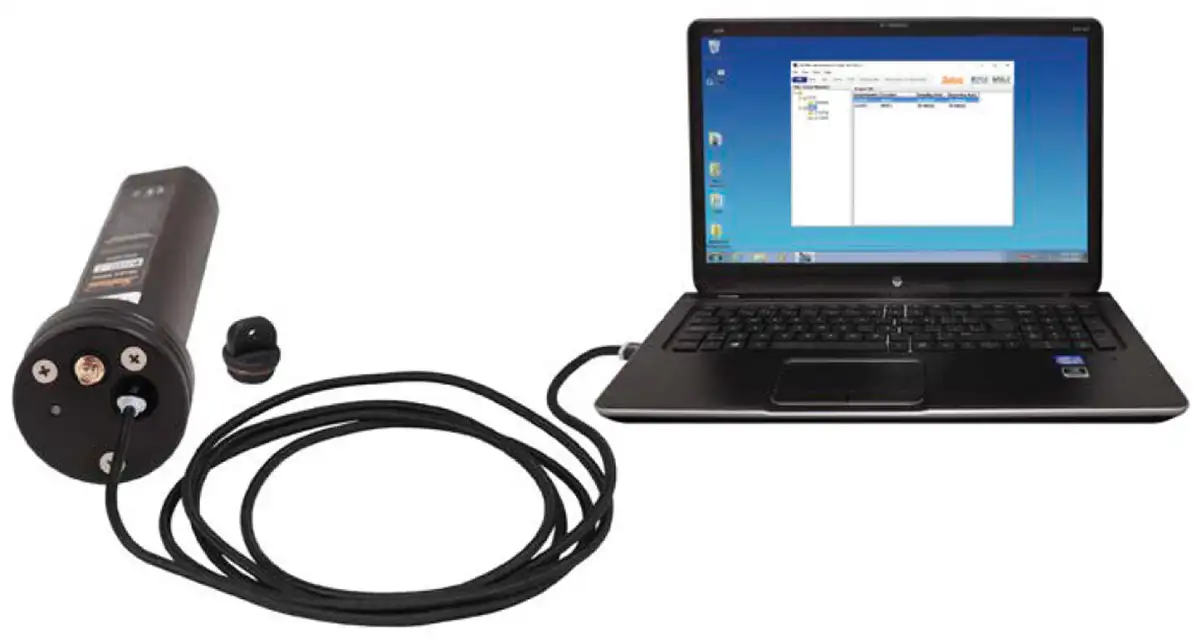
Figure 3-1 USB Cable Connection
Related Products
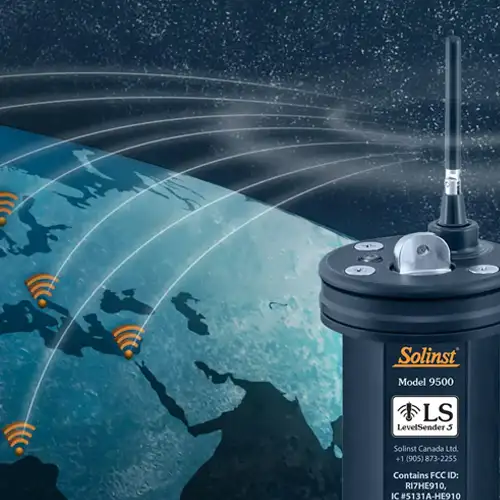
Plug and Play Telemetry
Already own Leveloggers? Quickly and easily upgrade your monitoring wells with LevelSender Telemetry. The 4G LevelSender 5 telemetry system features an optional Solinst SIM card. It is set up for you in advance—with a low-cost plan managed by Solinst! An internal barometer provides automatically compensated water level readings; set high/low level alarms.
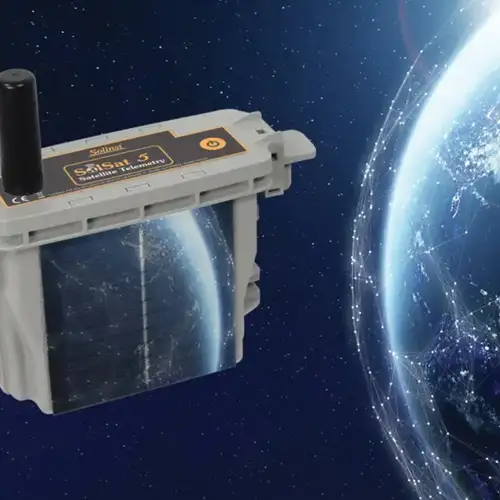
Discover Anywhere Monitoring
SolSat 5 is a telemetry system that leverages Iridium satellite technology to provide global connectivity for Solinst 5 Series dataloggers. It uses low cost TextAnywhere global satellite messaging to send remote data to a secure web portal. It features a robust weatherproof enclosure for installation almost anywhere. Features built-in Wi-Fi setup app, solar panel, and barometer.
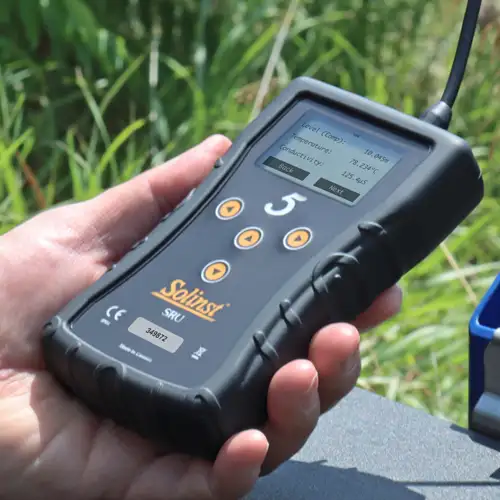
Solinst Readout Unit (SRU)
The Solinst Readout Unit (SRU) is a rugged, handheld device designed to connect to a deployed Solinst datalogger and display instant water level readings – with the option of automatic barometric compensation. Real-time logging and downloaded data can be saved and transferred to a PC. Quickly check the datalogger's status.
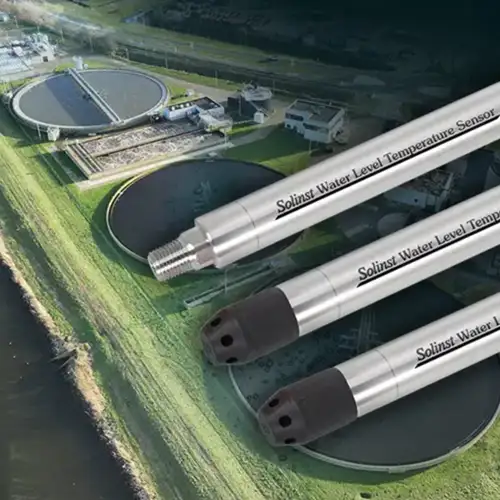
Versatile Submersible Water Level Transmitter
The 301 Water Level Temperature Sensor provides the option of highly accurate water level transmission using multiple protocols – MODBUS, SDI-12 and 4-20mA – for a wide variety of applications. This compact, all-in-one submersible hydrostatic level transmitter provides continuous, stable water level and temperature readings, with options for absolute and gauged pressure sensors.


