Programming Solinst Leveloggers
Levelogger Setup
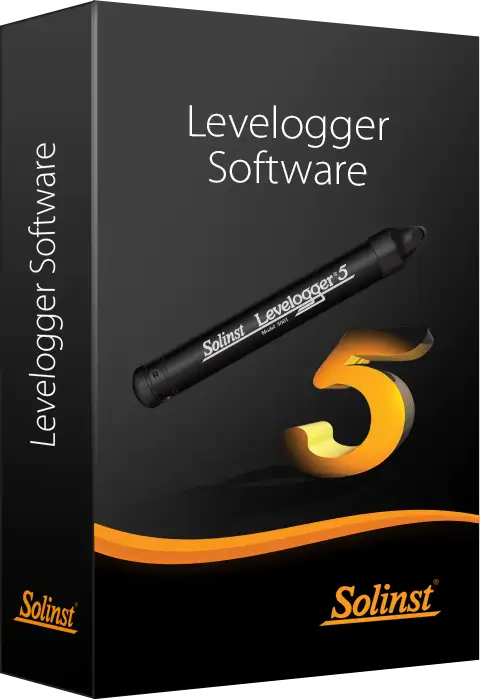
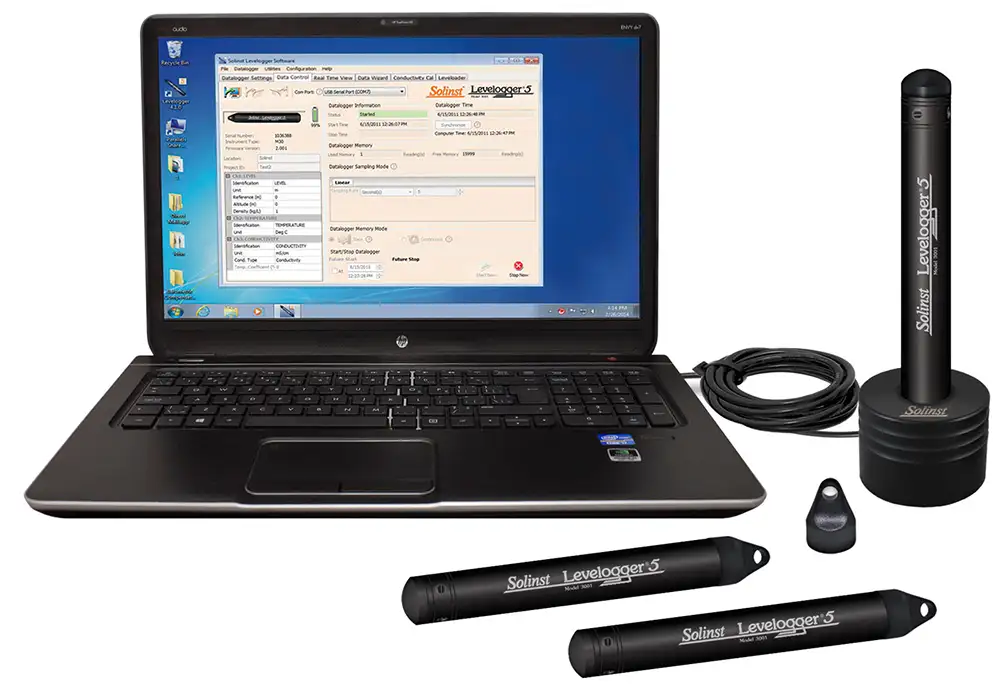
Programming Leveloggers is extremely intuitive. Simply connect to a PC using an Optical Reader (Desktop Reader 5 or Field Reader 5) or PC Interface Cable. Use a single screen to fill in your project information and sampling regime. Templates of settings can be saved for easy re-use.
The Levelogger time may be synchronized to the computer clock. There are options for immediate start or future start and stop times. The percentage battery life remaining and the amount of free memory are indicated on the settings screen.
Leveloggers can also be programmed with a sampling regime and start/stop times using the Solinst Levelogger App on your smart device.
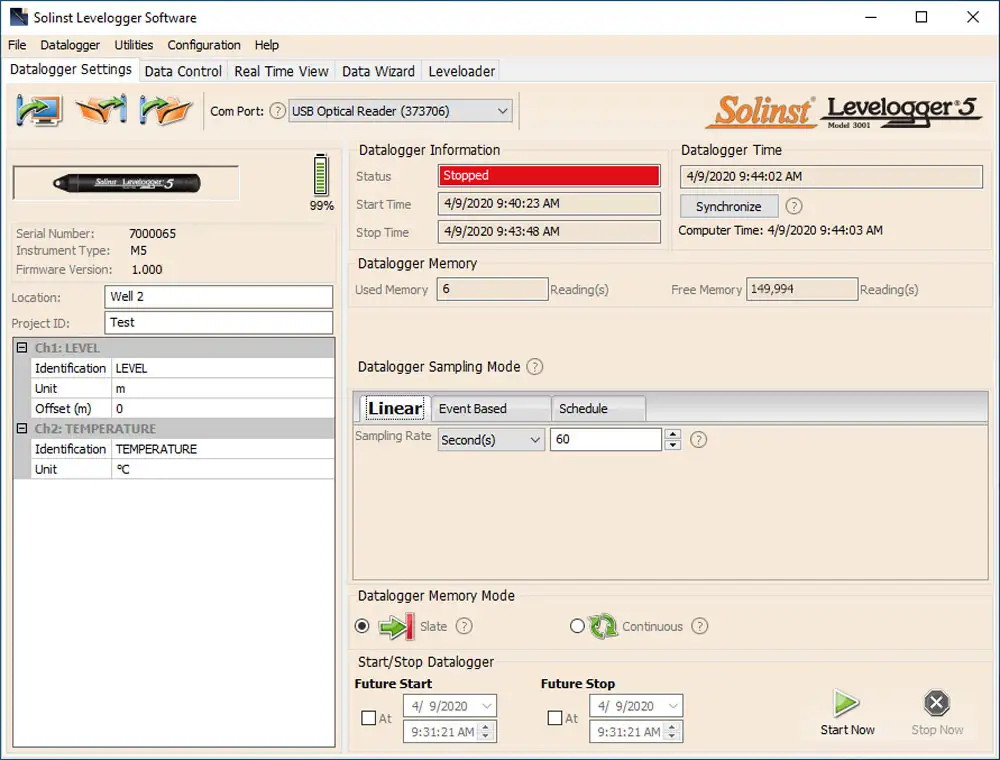
Levelogger Software Datalogger Settings Window
Convenient Sampling Options
Leveloggers can be programmed with linear, event-based, or a user-selectable sampling schedule. Linear sampling can be set from 1/8 second to 99 hours.
Event-based sampling can be set to record when the level changes by a selected threshold. Readings are checked at the selected time interval, but only recorded in memory if the condition has been met. A default reading is taken every 24 hours if no “event” occurs.
The Schedule option allows up to 30 schedule items, each with its own sampling rate and duration. For convenience, there is an option to automatically repeat the schedule.
Data Download, Viewing and Export
Data is downloaded to a PC with the click of a screen icon. There are multiple options for downloading data, including ‘Append Data’ and ‘All Data’. The software also allows immediate viewing of the data in graph or table format using ‘Real Time View’.
Level data is automatically compensated for temperature; the temperature data is also downloaded. Barometric compensation of Levelogger data is performed using the Data Wizard, which can also be used to input manual data adjustments, elevation, offsets, density, and adjust for Barometric efficiency. The Levelogger Software allows easy export of the data into a spreadsheet or database for further processing.
The Solinst Levelogger App also allows you to view and save real-time or logged data right on your smart device, or you can view and save the data using an SRU.
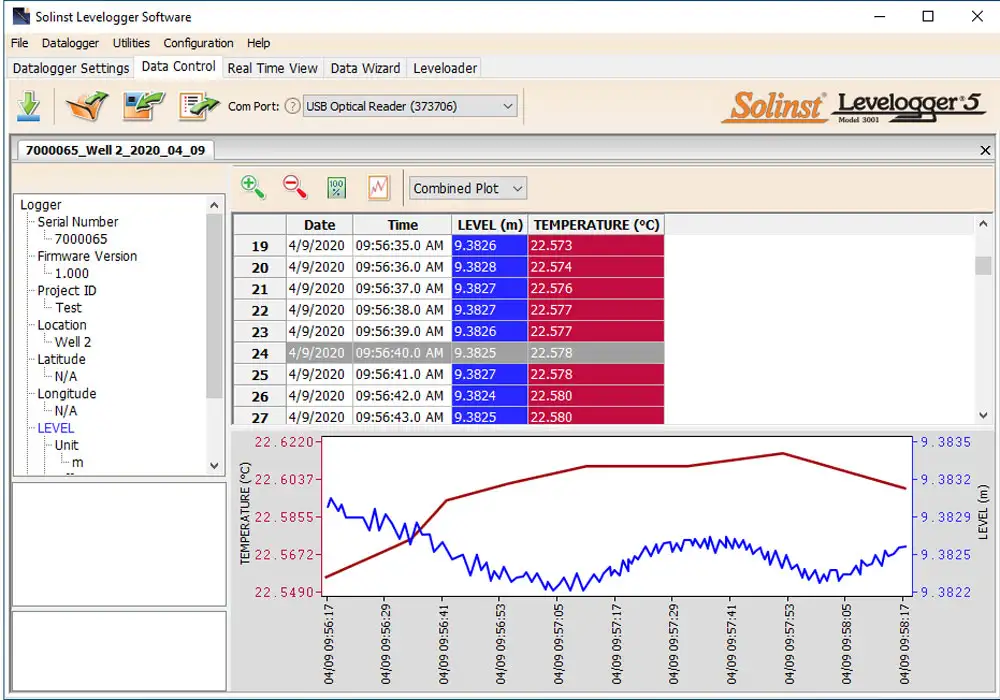
Levelogger Software Data Control Window
Helpful Utilities
The Diagnostic Utility can be used in case of an unexpected problem. It checks the functioning of the program, calibration, backup and logging memories, the pressure transducer, temperature sensor and battery voltage, as well as enabling a complete Memory Dump, if required. A firmware upgrade will be available from time to time, to allow upgrading of the Levelogger 5, as new features are added.
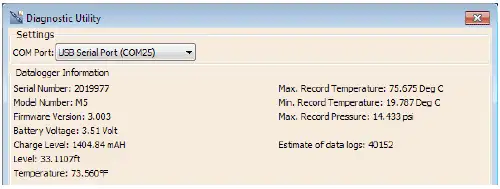
Levelogger Software Diagnostics Utility
Solinst Levelogger App & Levelogger 5 App Interface
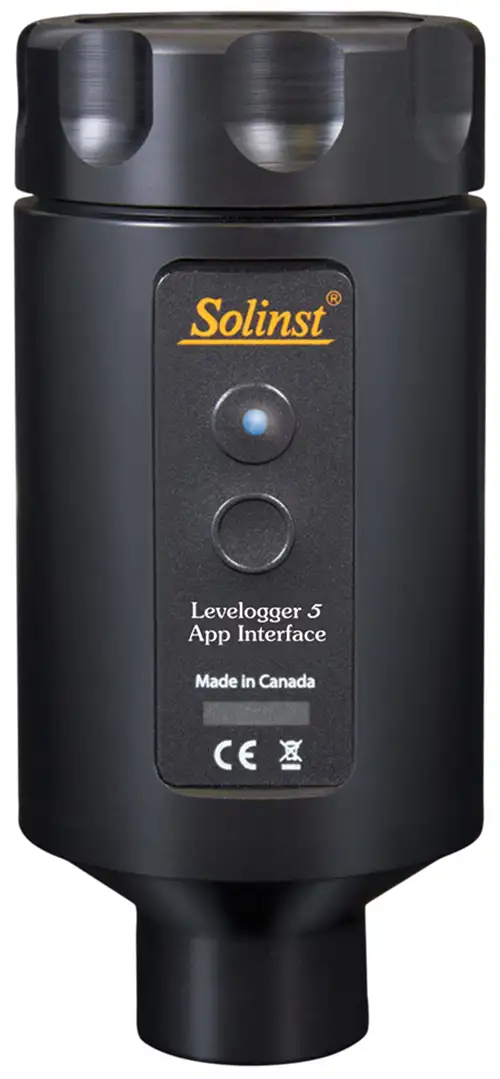
The Levelogger 5 App Interface uses Bluetooth® technology to connect your Levelogger to your smart device. With the Solinst Levelogger App, you can download data, view real-time data, and program your Leveloggers. Data can be e-mailed from your smart device directly to your office (see Model 3001 Solinst Levelogger 5 App & Interface data sheet).


®The Apple logo is a trademarks of Apple Inc., registered in the U.S. and other countries. App Store is a service mark of Apple Inc. Google Play is a trademark of Google Inc.
The Bluetooth® word mark and logos are registered trademarks owned by Bluetooth SIG, Inc. and any use of such marks by Solinst Canada Ltd. is under license.