
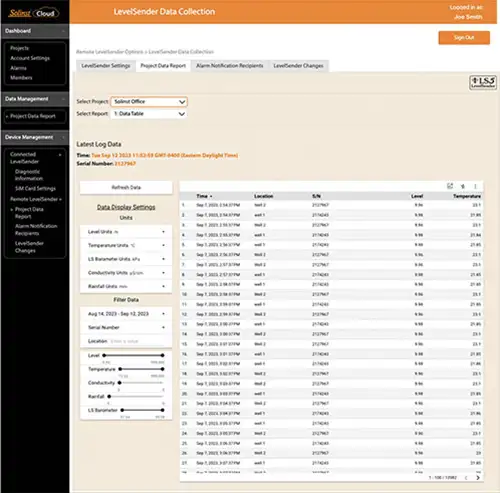
The data reported by your LevelSender is accessed by going to Project Data Report from the main menu (under Data Management and Remote LevelSender options), or by clicking the View Project Reports icon  beside a project's name in the Dashboard or Projects.
Use the drop-down menus to select the project, and the report type (table or charts) that you want to view. Use the filters to view data with different units, time intervals, or isolate one datalogger or specific parameter.
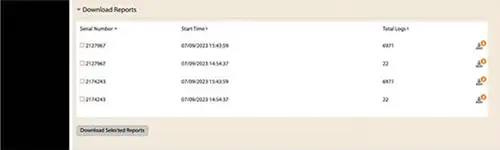
Select to download reports. Both the raw data and compensated data files will be downloaded.
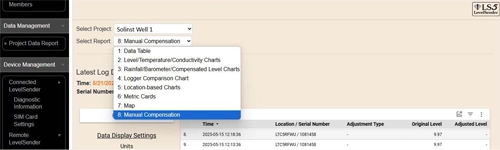
There is also the option to perform a Manual Data Adjustment. This allows you to enter a manual water level measurement or reference point, which all the water level readings from the selected Levelogger will then be adjusted to.